
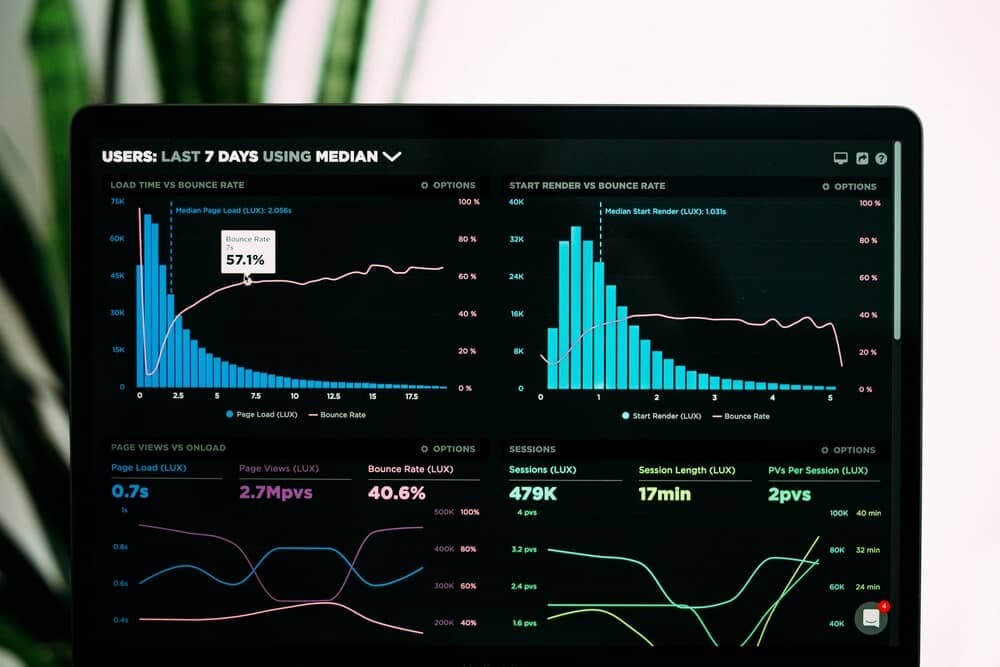
Website performance directly impacts user experience, SEO rankings, and revenue. Faster sites convert better, rank higher, and keep users engaged. Here's how to optimize effectively.
Core Web Vitals
Google's Core Web Vitals measure real user experience and directly impact search rankings.
- Largest Contentful Paint (LCP): Should occur within 2.5 seconds
- Interaction to Next Paint (INP): Should be less than 200 milliseconds
- Cumulative Layout Shift (CLS): Should be less than 0.1
Image Optimization
Images are typically the largest assets on web pages. Optimizing them is the fastest way to improve performance.
<!-- Modern responsive images -->
<picture>
  <source srcset="hero.avif" type="image/avif">
  <source srcset="hero.webp" type="image/webp">
  <img
    src="hero.jpg"
    alt="Hero image"
    loading="lazy"
    width="1200"
    height="600"
  >
</picture>
Code Splitting
Don't force users to download code they don't need. Split JavaScript into smaller chunks that load on demand.
// Dynamic import for code splitting
const HeavyComponent = lazy(() => import('./HeavyComponent'));

function App() {
  return (
    <Suspense fallback={<Loading />}>
      <HeavyComponent />
    </Suspense>
  );
}
Caching Strategies
Proper caching reduces server load and speeds up repeat visits. Use browser caching, CDN caching, and service workers strategically.
Implement cache-first strategies for static assets and network-first for dynamic content.
JavaScript Optimization
Audit dependencies, remove unused code, and consider whether heavy frameworks are necessary. Every kilobyte matters.
Continuous Monitoring
Use Lighthouse, WebPageTest, and Core Web Vitals reports to monitor performance continuously. Performance optimization is ongoing, not one-time.